LensBrief v1.0 • Available on Chrome Web Store

Understand any term without leaving the page.

LensBrief is a lightweight Chrome extension that gives you a clear, contextual explanation when you select a word or expression.

No chat window. No prompt to write. Just select and read.

Instant response powered by our AI
Zero reading data stored
Free up to 10 lookups / day

AI that never interrupts your flow

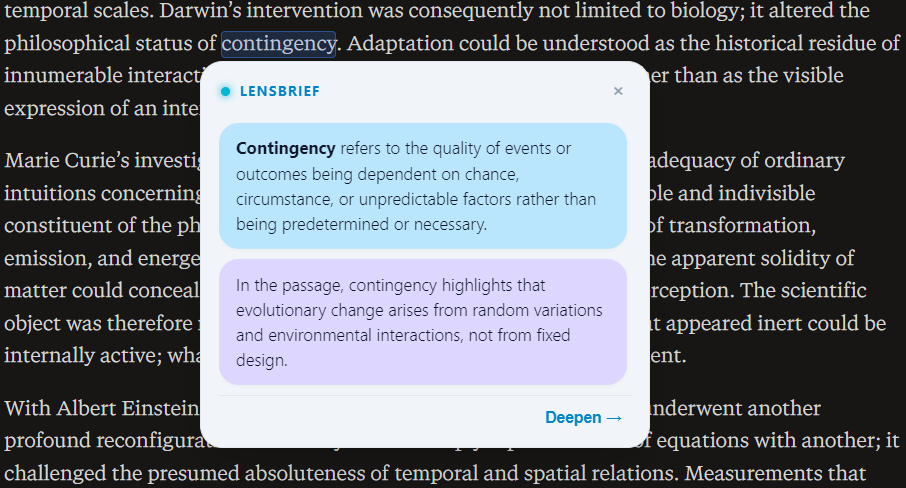
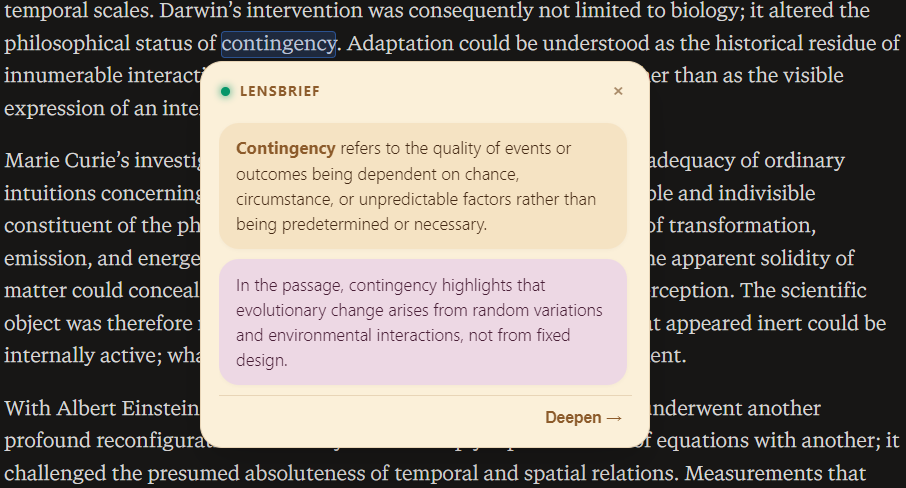
Select any word or phrase for instant contextual clarity. Designed to match your favorite reading theme.

https://science-history.org/darwin-and-contingency
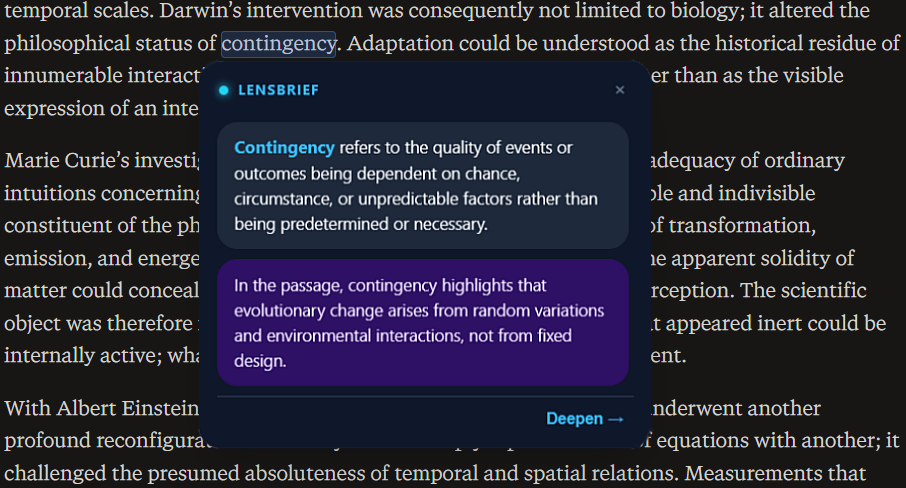
Instant explanation overlay • 3 native reading aesthetics
Auto-cycling every 3.5s

Built for focused readers

Everything you need to read faster, comprehend deeper, and stay completely in the zone.

Lightning Fast

Contextual explanations delivered in under 200ms by our dedicated high-speed AI engine.

Contextual Intelligence

Never a generic dictionary definition. Our AI explains the exact role and meaning of the term in your text.

Deep Dive Mode

Need a more thorough breakdown? One click triggers an in-depth, structured multi-point explanation.

100% Private

Processed ephemerally in memory. Your reading habits, selected texts, and browsing history are never stored.

Simple, transparent pricing

Start for free, upgrade to Plus whenever you need unlimited power.

Free

For casual daily reading & discovery

$0 / month
  • 10 instant lookups / day (resets UTC)
  • 5 free Deep Dive credits included
  • Powered by our high-speed AI engine

Plus Monthly

For avid readers, researchers & students

$3.99 / month
  • Unlimited instant lookups
  • 100 Deep Dive credits / month
  • Advanced contextual AI reasoning
  • Priority support
SAVE 37%

Plus Annual

Best value for full-year power readers

$29.99 / year
just $2.49 / month
  • Unlimited instant lookups
  • 1,200 Deep Dive credits / year
  • Guaranteed access to all new features
  • Secure payment via Dodo Payments

Frequently Asked Questions

Everything you need to know about LensBrief.

How do I trigger LensBrief on a webpage?

Simply hold the Ctrl key (or Cmd ⌘ on Mac) and hover over any word, or select any text. You can also click the extension icon to toggle active reading mode.

Is my reading data or browsing history stored?

Never. No browsing history, page contents, or selected text are ever stored on our servers. Requests are processed ephemerally in-memory strictly to generate the instant explanation.

Can I cancel my Plus subscription at any time?

Yes, you can cancel your subscription at any time with a single click. Your Plus benefits will remain active until the end of your paid billing period.